If your iDeaL school is linked to your Student Management System (SMS), please update the student’s name in your SMS. The change will automatically update in iDeaL overnight.
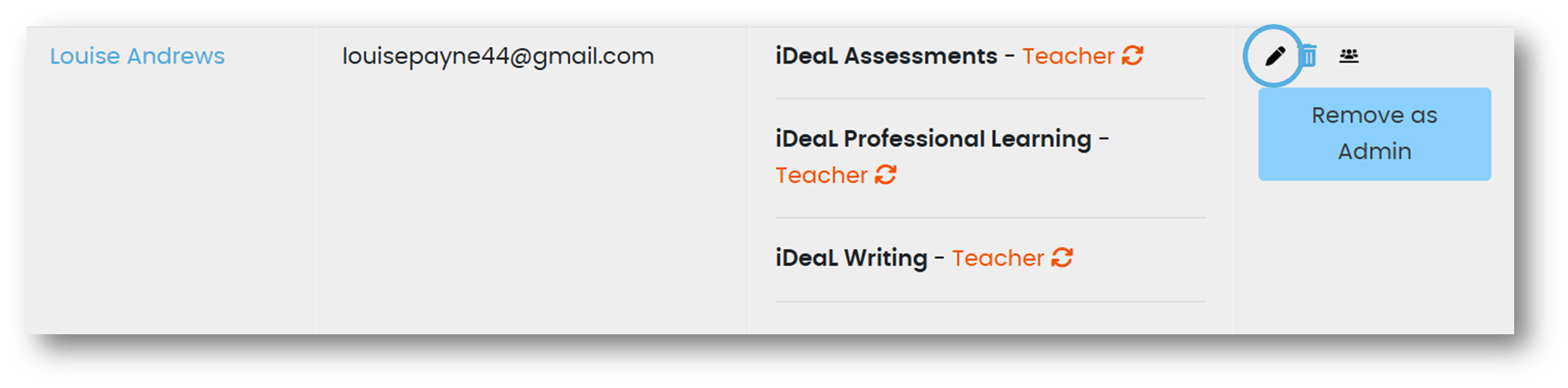
If your school isn’t linked to an SMS, your school’s iDeaL Admin can update the student’s details. Just go to the Manage Users page, click the pencil icon next to the student’s name, and update the form.
Alternatively, you can let us know the correct details by submitting a Helpdesk ticket.
Was this article helpful?
That’s Great!
Thank you for your feedback
Sorry! We couldn't be helpful
Thank you for your feedback
Feedback sent
We appreciate your effort and will try to fix the article