Student data can’t be transferred between Markbooks in iDeaL.
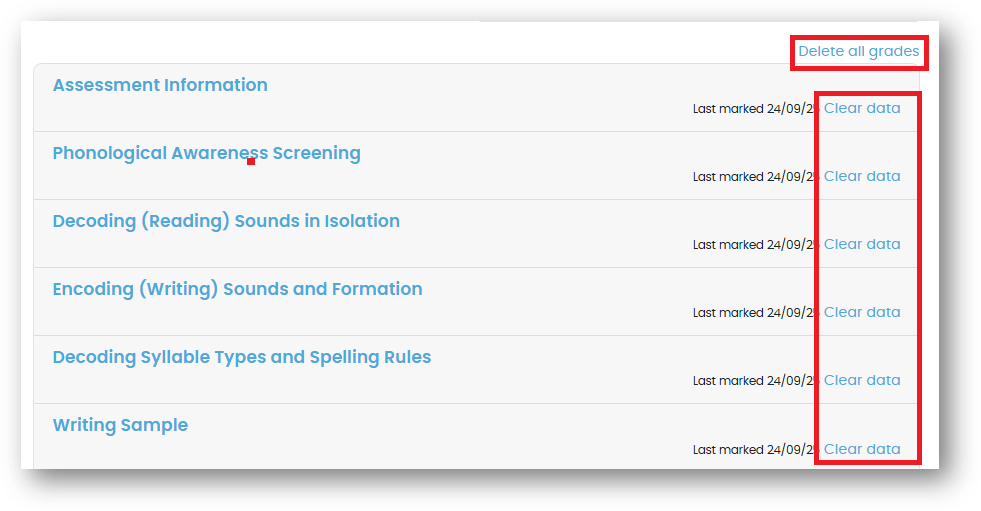
You’ll need to enter the data again into the correct Markbook. Make sure you then remove the data from the incorrect Markbook by clicking on 'Delete all grades', or each 'Clear data' blue links.
Was this article helpful?
That’s Great!
Thank you for your feedback
Sorry! We couldn't be helpful
Thank you for your feedback
Feedback sent
We appreciate your effort and will try to fix the article