It's likely you've not yet added your student to your Specialist school.
Your student needs to be added into your specialist school first; this will create the student’s Markbook for you to add data in the Assessments area.
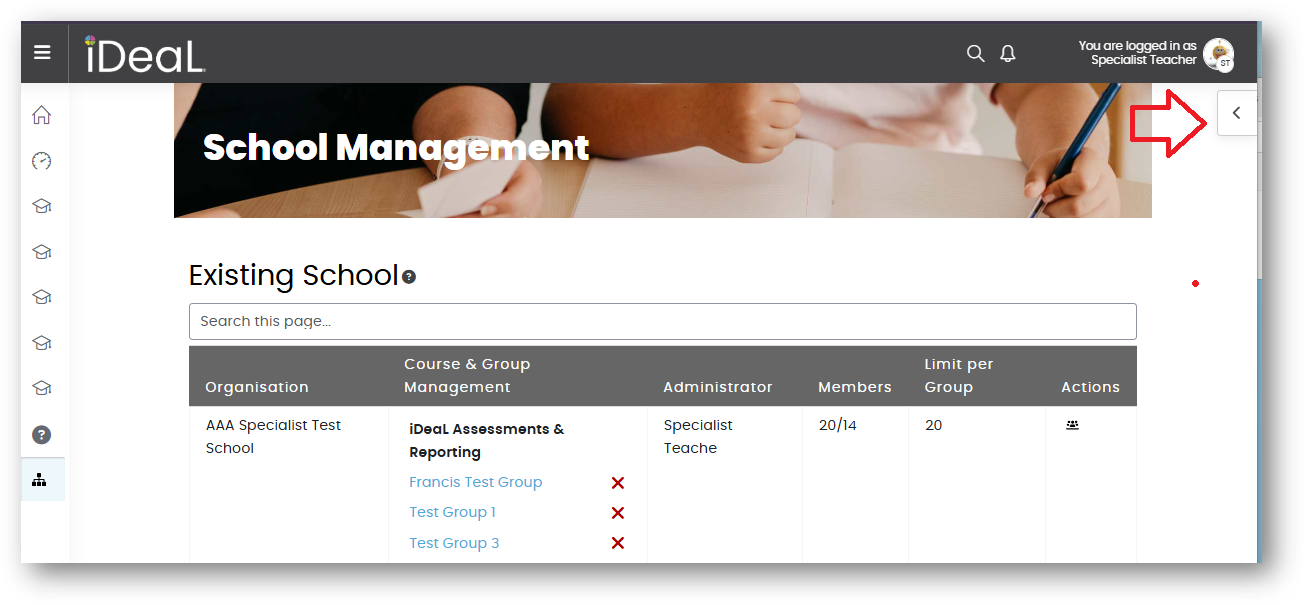
There are a quick guide and instructional video in the iDeaL Start-Up area. The video is also available on both School Management pages in the right-hand drawer. To open this, just click on the small arrow / tab up by your profile picture.
Was this article helpful?
That’s Great!
Thank you for your feedback
Sorry! We couldn't be helpful
Thank you for your feedback
Feedback sent
We appreciate your effort and will try to fix the article